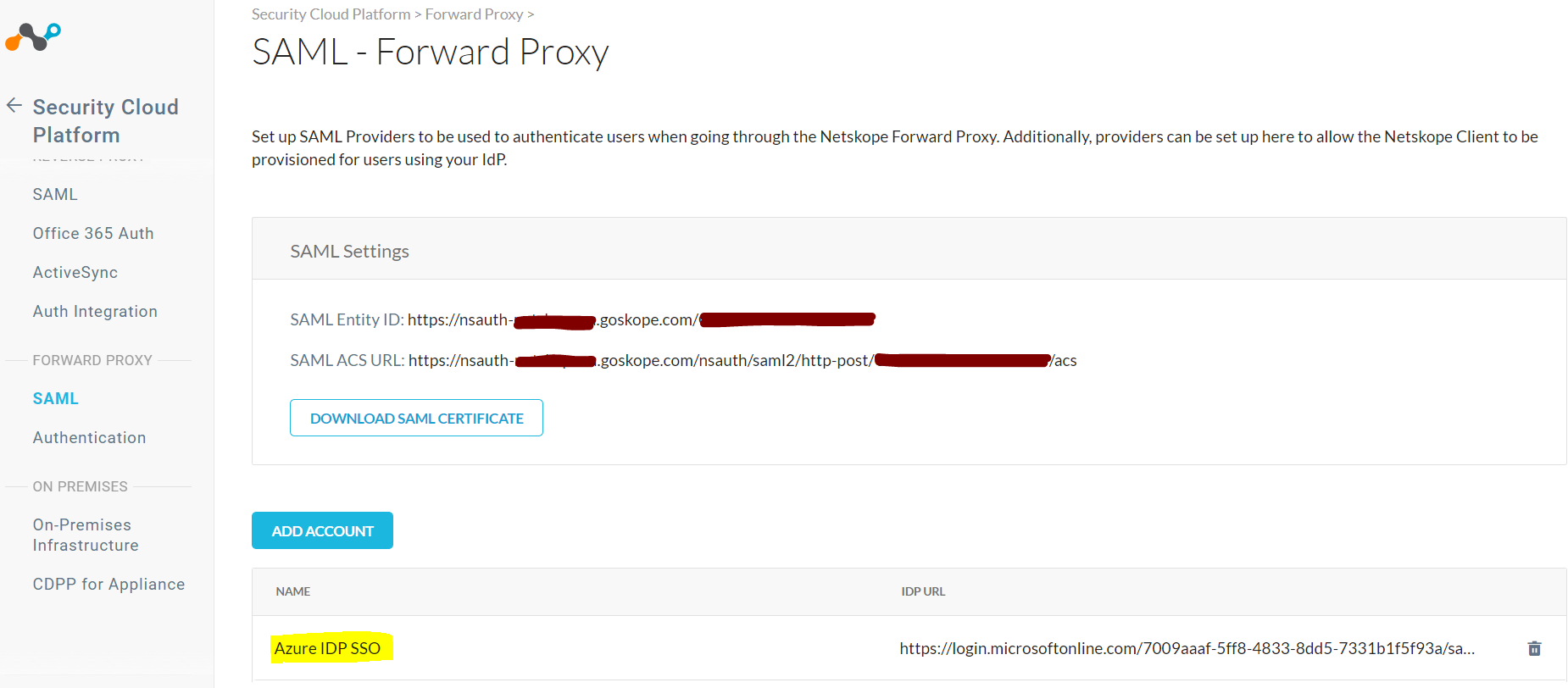
Add an Azure AD Account in Netskope SAML – Forward Proxy
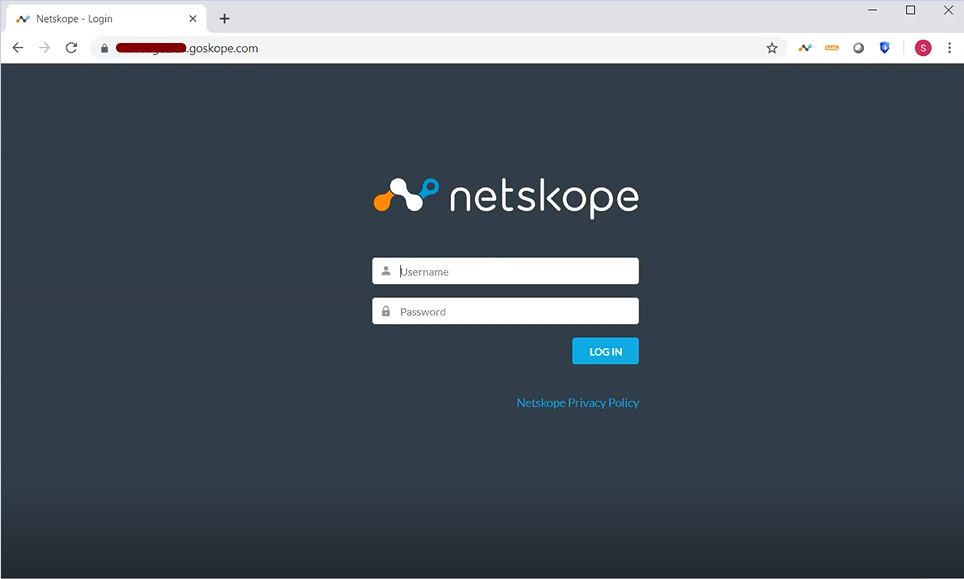
Log in to the Netskope UI.
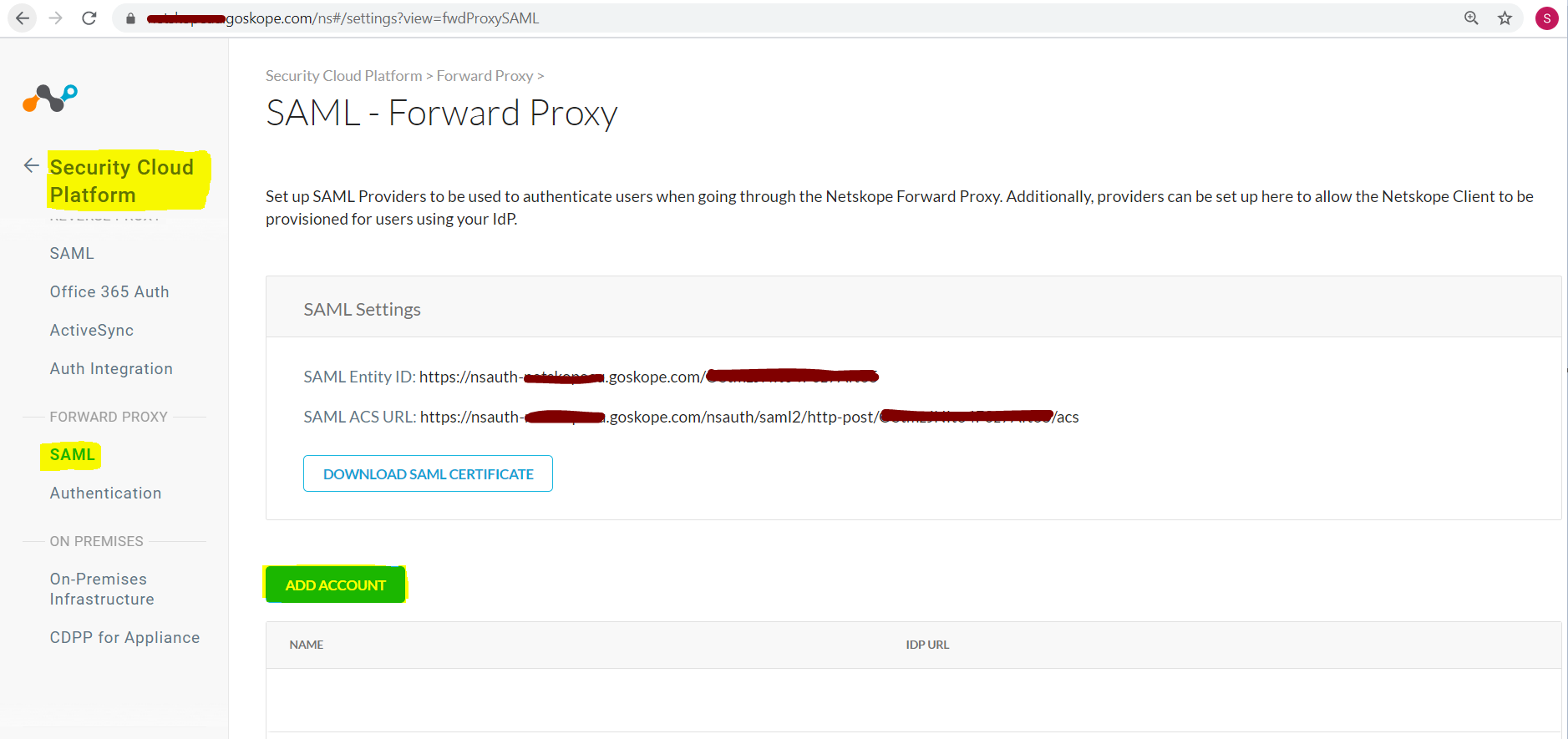
Go to Settings > Security Cloud Platform > Forward Proxy > SAML and click Add Account.
Enter these parameters:
Name: Enter a name for the SAML account.
IDP URL: Enter the IDP URL from the Azure portal.
IDP Entity ID: Enter the IDP Entity ID from the Azure portal
IDP Certificate: Paste the contents of the Certificate Base64 into the IDP Certificate section.
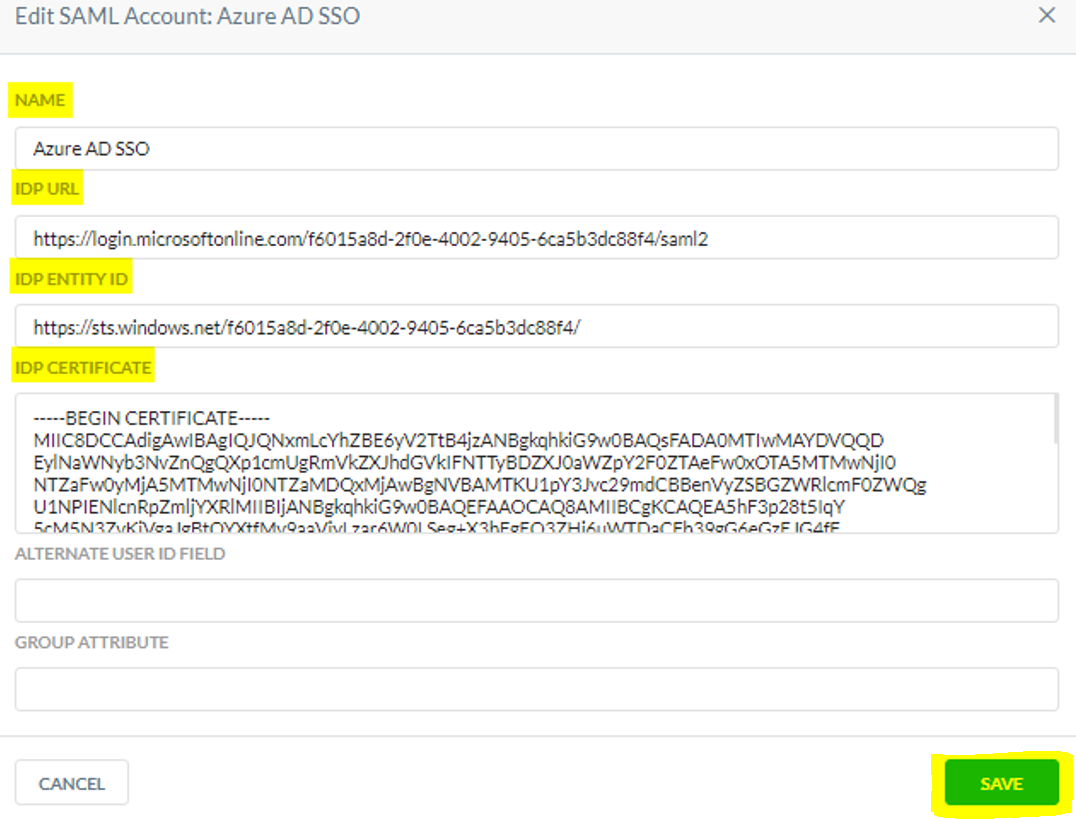
Click Save.
Click OK
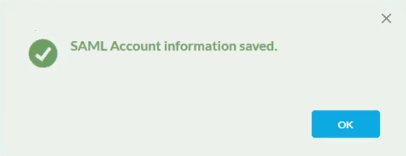
The account is added.